smart-bookmark-ai
Smart Bookmark AI
| English | 简体中文 |



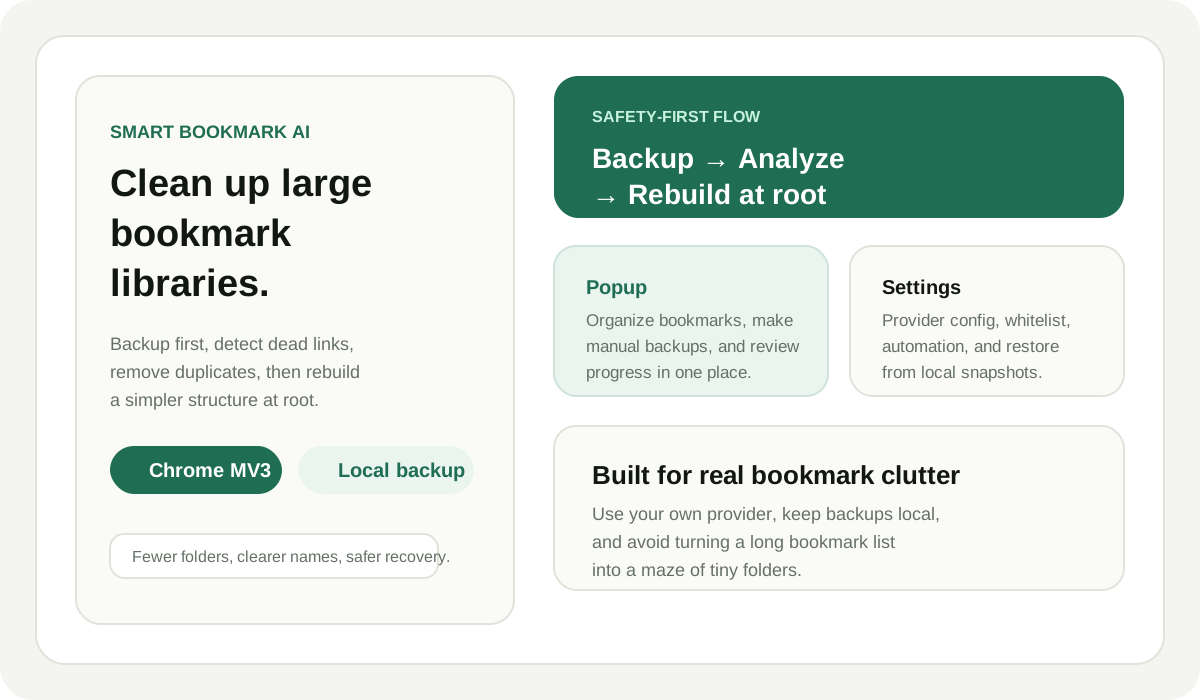
Smart Bookmark AI is a Chrome extension that helps users clean up large bookmark libraries with LLM-assisted classification.
It creates a local snapshot backup, checks clearly dead links, removes obvious duplicates, plans a stable global taxonomy, and rebuilds a simpler bookmark structure directly at the bookmark bar root.
What It Solves
- Too many bookmarks with no usable structure
- Repeated links that make folders noisy
- Dead bookmarks that should be removed before reorganization
- Settings that need to work with different LLM providers
Interface Preview
Product Overview
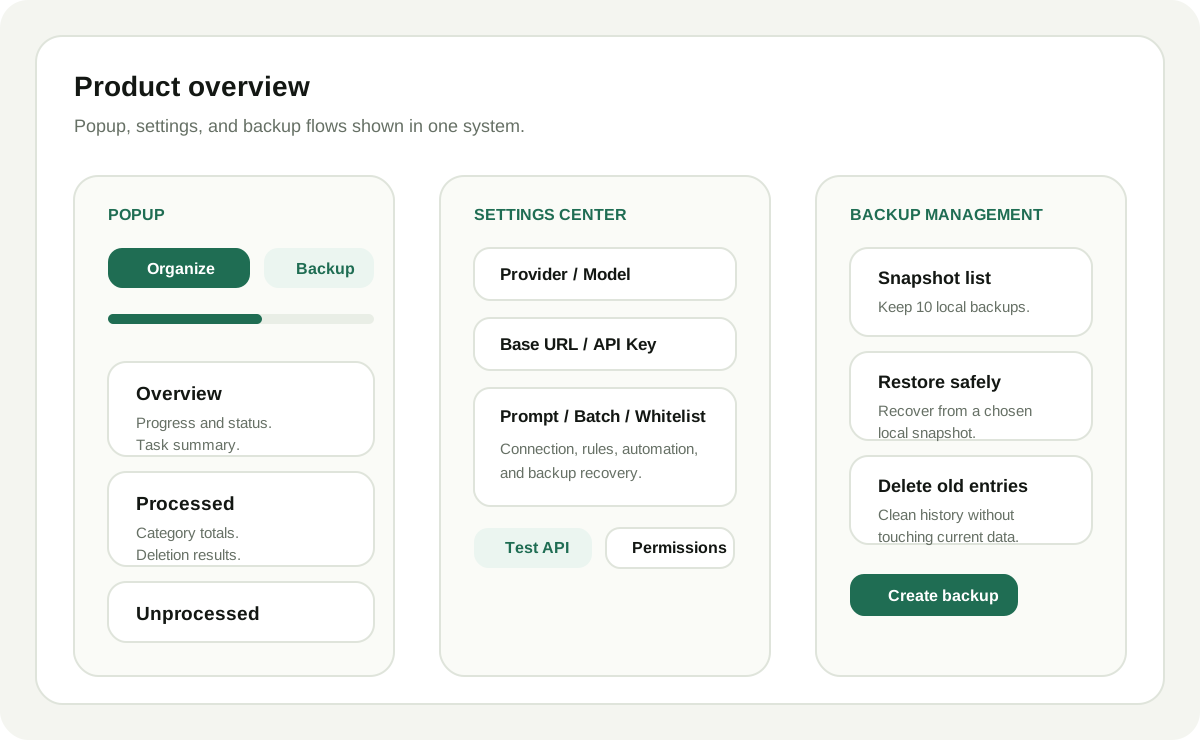
The overview graphic shows how the popup, settings center, and backup management fit together.
Popup
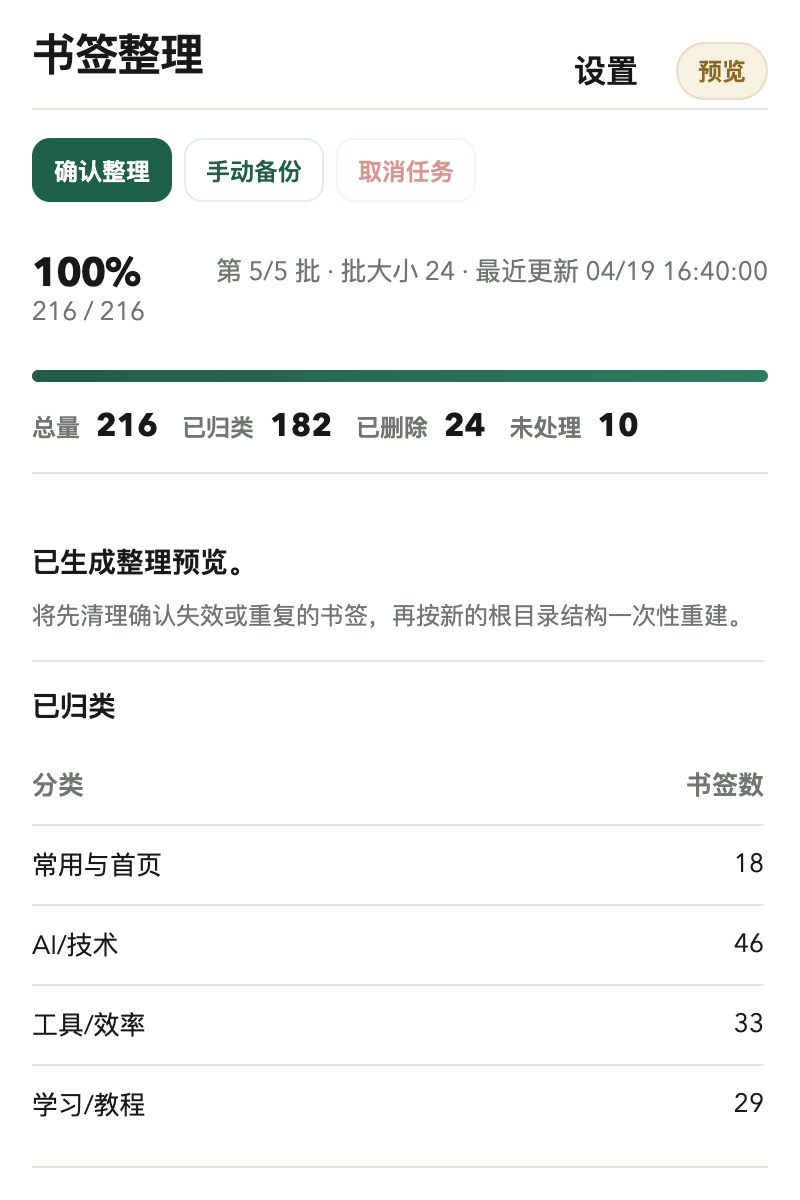
The popup keeps the main actions close to the top: organize bookmarks, create a manual backup, cancel the current job, and review progress in one place.
Settings Center
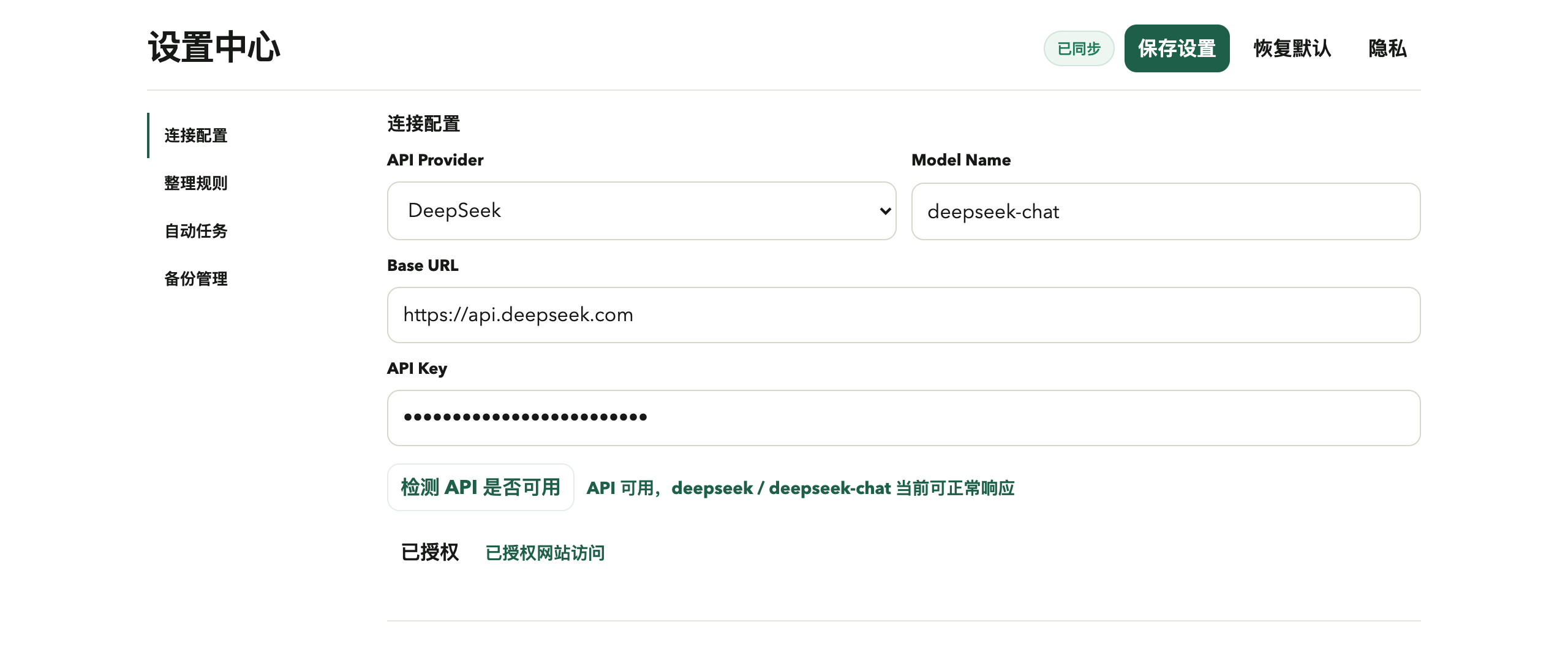
The settings page uses a left-side navigation layout for connection settings, organization rules, automation, and backup management.
Highlights
- Works with OpenAI, DeepSeek, Anthropic, Gemini, OpenRouter, Groq, xAI, Moonshot AI, Ollama, and generic OpenAI-compatible endpoints
- Custom Base URL, API key, model name, and prompt
- Global taxonomy planning before chunked classification for more stable folders
- Preview mode before applying changes to the bookmark tree
- Conservative duplicate cleanup and dead link detection before AI classification
- Protected root folders and domain-to-folder rules
- Classification cache reuse and dead link cache for faster reruns
- Automatic local snapshot backup before each organize run
- Manual backup, restore, and delete
- Auto organize with Chrome alarms
- Reviewable unprocessed and delete logs
- English and Simplified Chinese interface support
Workflow
Smart Bookmark AI is designed for safety first. It does not rewrite the bookmark tree while analysis is still in progress.
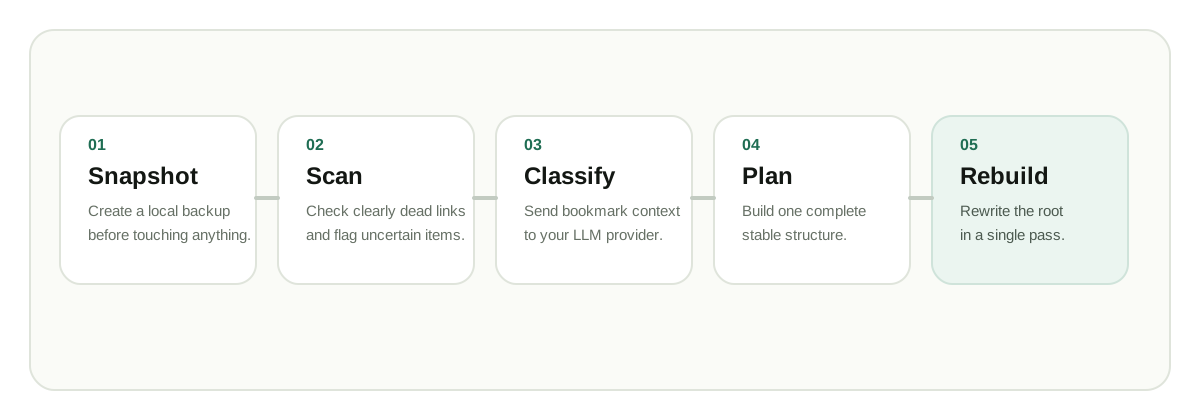
- Optionally generate a preview without changing bookmarks
- Create a local snapshot backup before a real organize run
- Scan links for clearly dead bookmarks
- Plan a global folder taxonomy, then classify in chunks
- Rebuild the final structure at the bookmark root in one pass
Privacy Summary
- Bookmarks are only sent to the model provider you choose
- API keys and backups are stored locally in the browser
- Classification cache and dead-link cache are stored locally to speed up later runs
- Dead link detection sends requests directly to bookmarked websites
- The extension developer does not receive your bookmark data
Full privacy details: PRIVACY.md
Required Permissions
bookmarks: read, move, delete, and rebuild bookmarksstorage: save settings, progress, and backup recordsalarms: schedule auto organize jobs- Optional website access: requested at runtime for model API access and dead link checks
Advanced Rules
Protected root folders: keep selected top-level bookmark folders untouched during organize runsDomain folder rules: force matching domains into specific folders before AI classificationPreview mode: inspect the planned structure and key counts before rebuildingCache reuse: previously classified bookmarks can be reused locally when the title, URL, and rules signature still match
Repository Structure
- manifest.json
- background.js
- providers.js
- json-utils.js
- rules.js
- cache-utils.js
- i18n.js
- popup.html
- popup.js
- options.html
- options.js
- styles.css
- privacy.html
- tests
- docs/assets
- docs/screenshots
- webstore
Local Development
- Open
chrome://extensions - Enable Developer mode
- Click
Load unpacked - Select this repository root
Syntax checks
node --check background.js
node --check options.js
node --check popup.js
node --check providers.js
node --check i18n.js
node tests/run-tests.js
GitHub and Chrome Web Store
- Homepage: github.com/Ariandel35/smart-bookmark-ai
- Support: github.com/Ariandel35/smart-bookmark-ai/issues
- Privacy policy: github.com/Ariandel35/smart-bookmark-ai/blob/main/PRIVACY.md
Store submission materials are prepared in webstore.